Clipper is the all-in-one transit card accepted on all major transit agencies throughout the Bay Area. You can get a physical Clipper card from retail locations or through the mail. If you have a smartphone, we recommend adding Clipper to your mobile wallet for easy reloading and tagging.
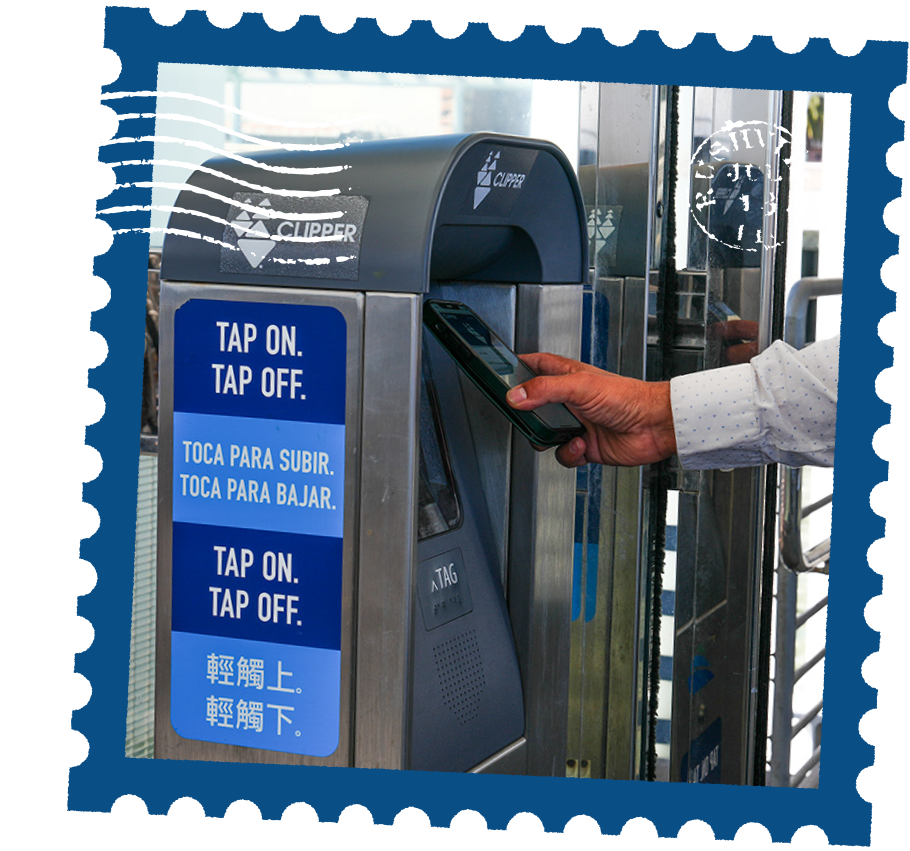
Download the Clipper app on our mobile device and select an amount of cash value or transit pass you want to load. Choose payment method and complete the order. Once you’ve added value to your Clipper account, you will be able to tag on and tag off using your device. With the Clipper app, manage your account, load value, change your settings anytime and more.
Purchase an Adult, Youth or Senior Clipper card or load value on any card at select locations around The Bay. When purchasing a new Clipper card in person, a fee of $3 will be charged. Additionally, make sure to register a new card upon purchase in case it is stolen or damaged in any way.
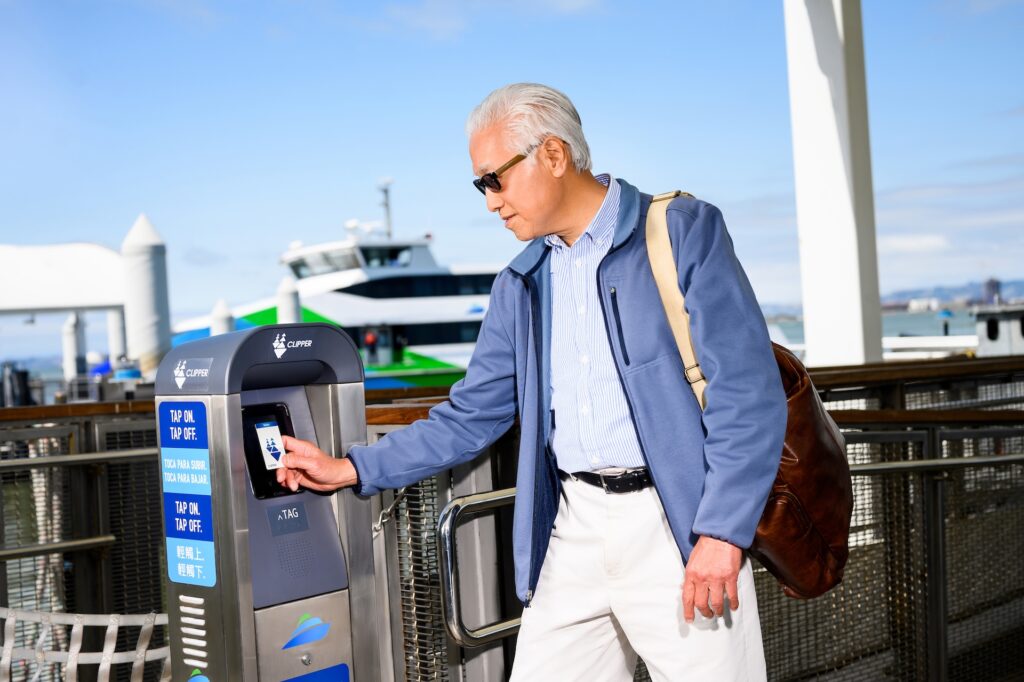
Tag on when boarding and tag off when exiting. This ensures you get charged the correct fare. If you only tag
on one end of your trip, you’ll be charged the system’s maximum fare. The correct fare is calculated and
credits are automatically issued once you tag off.
Your Clipper account must be loaded with value prior to use. If you try to board without enough value, you
will see a red light when tagging, and you will need to purchase a paper ticket or mobile ticket in the SF Bay
Ferry app in order to ride.
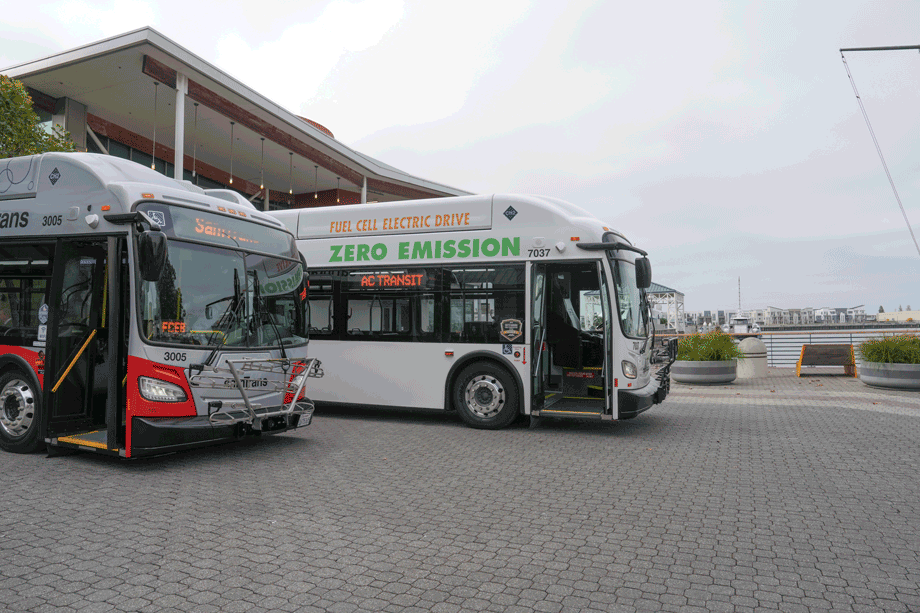
Using Clipper allows you to take advantage of transfer discounts when connecting to Muni, AC Transit or
Soltrans. You cannot receive these transfer discounts unless you use Clipper.

San Francisco Bay Ferry provides additional discounts for
those with the following discount Clipper products:
Riders 65 and over can apply for a Senior Clipper Card and receive 50% discounts on ferry fares.
Riders aged 5-18 can apply for a Youth Clipper Card and receive 50% discounts on ferry fares.
Qualifying low-income residents can join Clipper START and receive 50% discounts on ferry fares.